
01
Start with a little idea
A line, a shape, a splash of color. The studio gives budding creators a simple place to begin.
Ki-series

Explore drawing and design with KiCreate Studio. Arrange shapes, draw a scene, and make an original creation in one creative space.

 Take a peek inside
 Inside the studio
A place for little ideas to take shape. KiCreate Studio brings drawing, arranging, and designing together with room for a child’s own imagination.
01
A line, a shape, a splash of color. The studio gives budding creators a simple place to begin.
02
Arrange shapes and elements, layer them front to back, then move, resize, and rotate each part into place.
03
Enjoy open creative play, with space to experiment and make something personal.
A peek inside
Explore KiCreate Studio through real in-app screens.
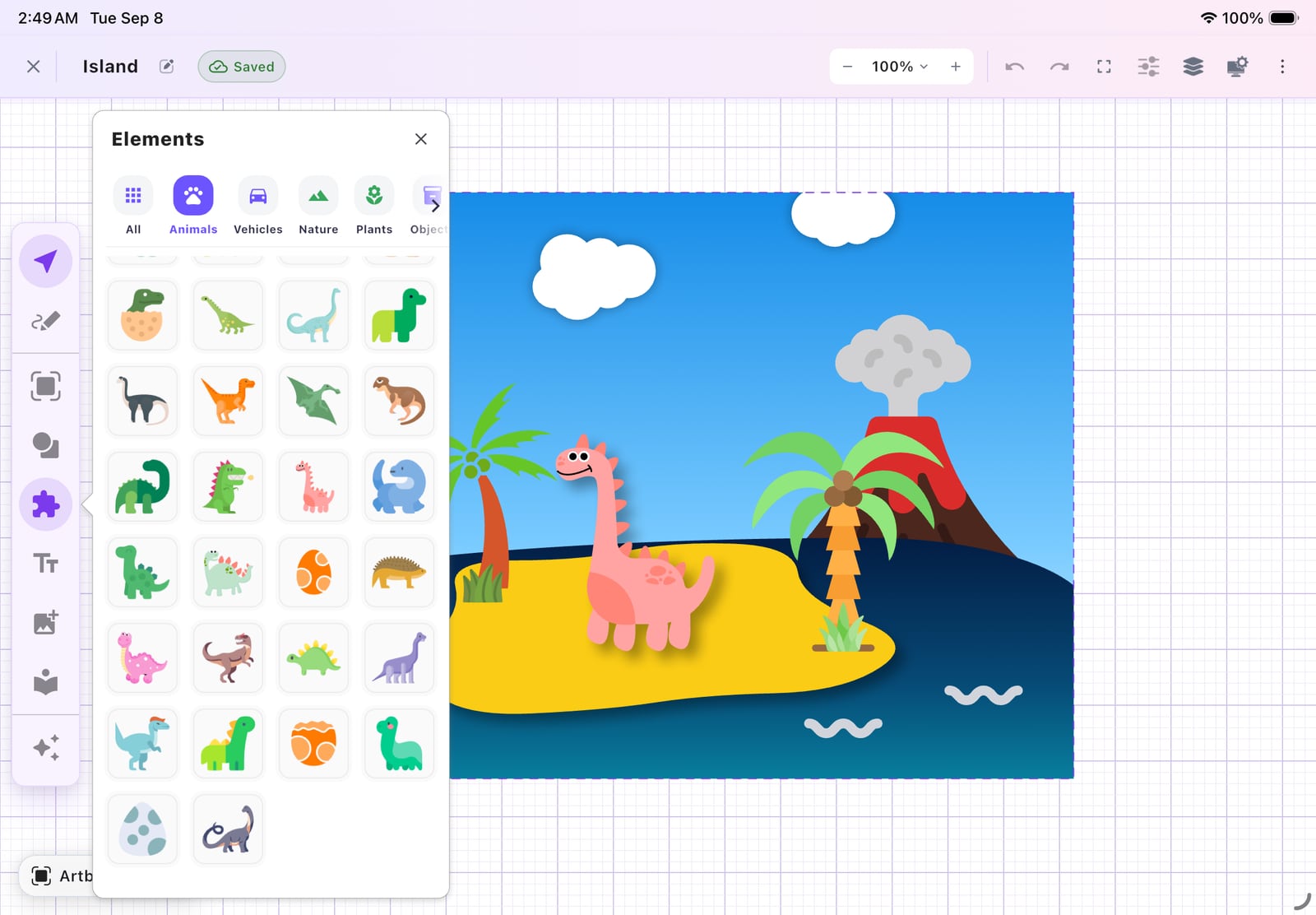
Arrange animals, plants, shapes, and color into a playful island scene.
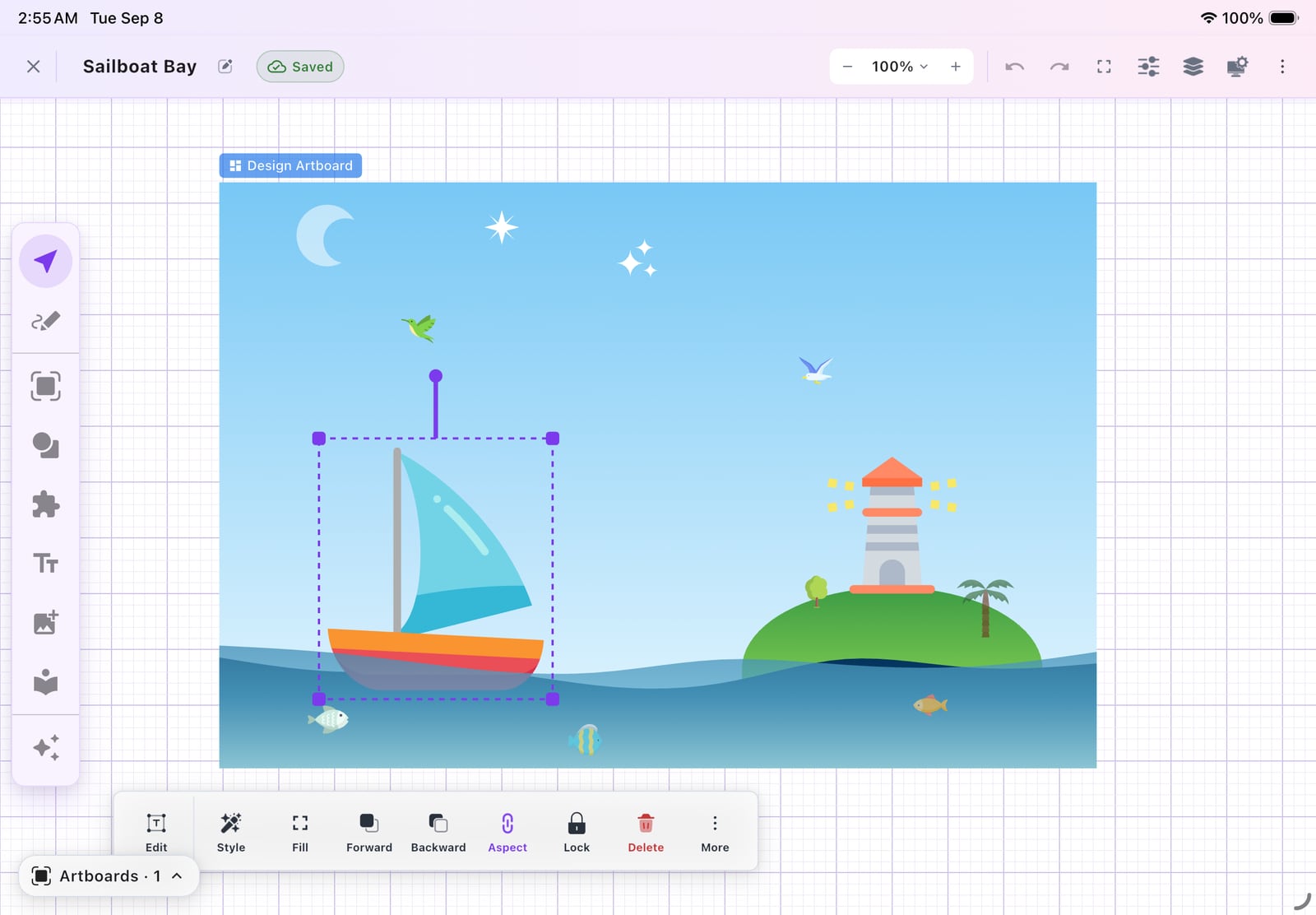
Combine simple elements and adjust them until the scene feels just right.
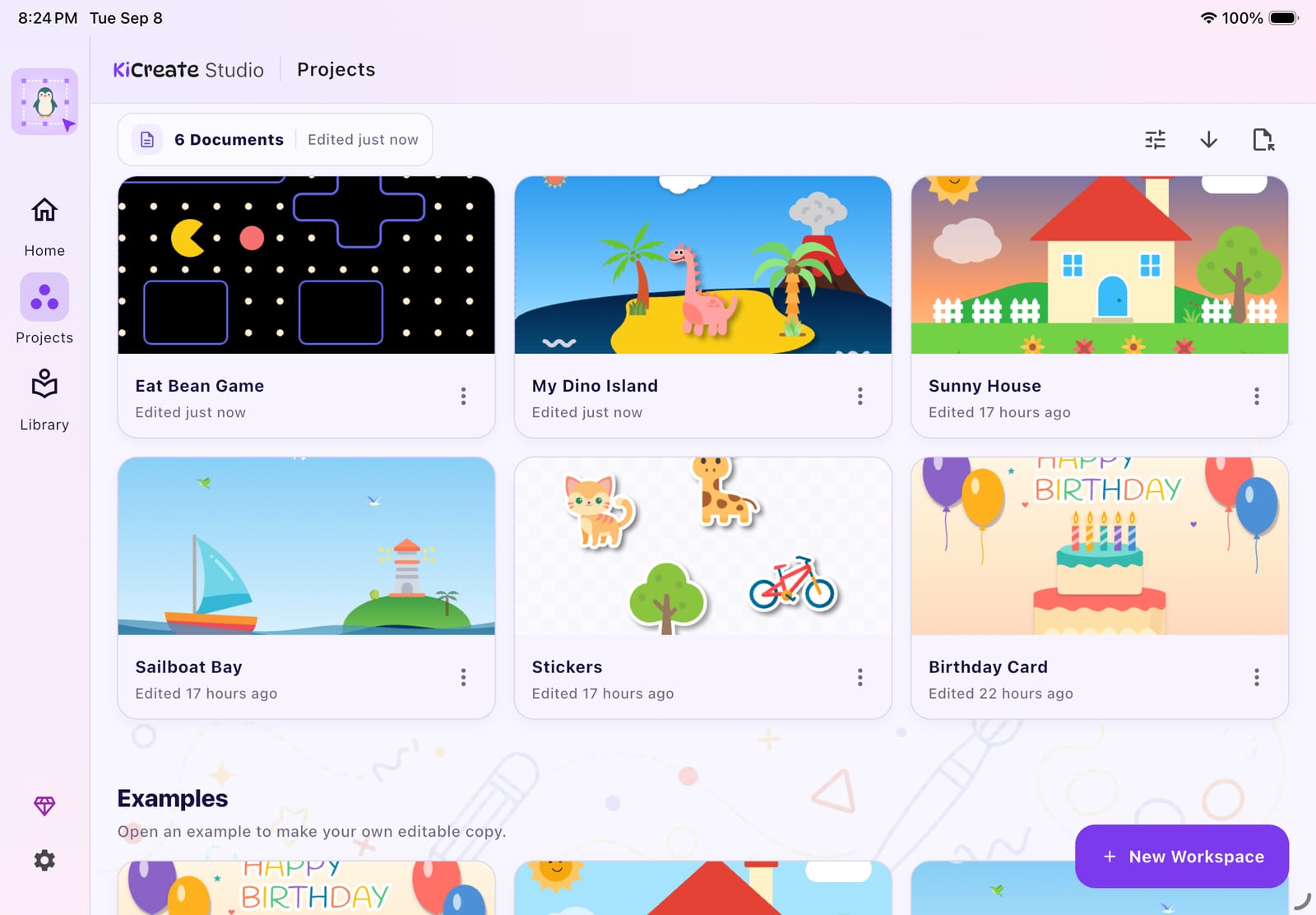
Return to saved projects whenever another idea is ready to grow.
A little inspiration. Now it’s your turn.
iPhone with iOS 15.0 or later, or iPad with iPadOS 15.0 or later. Check the App Store listing for additional compatibility and current requirements.
Free to download. Check the current App Store listing for available features and purchase details.
View KiCreate Studio on the App Store
Email support@kidzzlet.com with the product name and your device. We’ll help you find the next step.